|
|
|
 |
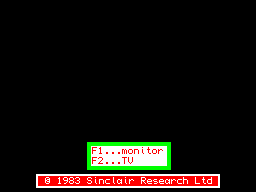
<F1> - high resolution mode with 512x256 pixels - recommended when having a composite video or RGB monitor connected. <F2> - low resolution mode 256x256 pixels - recommended when having a TV set connected via antenna to the RF signal. |
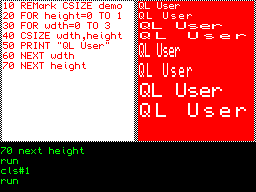
The character fonts are scalable. (This display is actually 80 characters wide, the text has been exaggerated here for your viewing pleasure) |
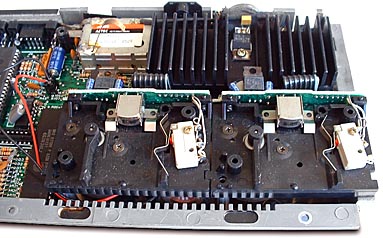 The micro-drives are similar to tiny 8-track tape players, with a tape head, interlock switch, and capstan.
|